

News calendars and event trackers are essential tools for traders to monitor market-moving events like GDP reports, CPI updates, and Federal Reserve decisions. These platforms simplify data access, help anticipate market volatility, and provide features like real-time updates, impact ratings, and customizable alerts. Below are five popular options for traders:
- Forex Factory: Simple interface with real-time updates, impact ratings, and desktop/mobile alerts. Best for beginners.
- Investing.com: Wide market coverage, fast updates, and robust filtering options. Ideal for traders managing multiple asset classes.
- Trading Economics: Detailed economic data and integration with tools like Excel and Python. Suited for long-term and swing traders.
- Tradays: Integrated with MetaTrader platforms, offering real-time updates and unlimited alerts. Great for MetaTrader users.
- FXEmpire: Customizable calendar with real-time updates and watchlist features, though slightly slower than others.
Quick Comparison
| Feature | Forex Factory | Investing.com | Trading Economics | Tradays | FXEmpire |
|---|---|---|---|---|---|
| Ease of Use | High (Beginner-friendly) | Medium | Advanced | Medium | Medium |
| Update Speed | Fast | Very Fast | Fast | Fast | Moderate |
| Customization | Basic | Extensive | Extensive | Flexible | Flexible |
| Platform Integration | Limited | Broker Links | Excel, Python | MetaTrader | Limited |
| Best For | Beginners | Multi-asset traders | Long-term traders | MetaTrader users | General traders |
For U.S. traders, syncing these tools to Eastern Time and focusing on high-impact events like FOMC meetings and Nonfarm Payrolls is key to staying ahead. Choose a calendar that fits your trading style - whether you focus on short-term volatility or long-term trends.

News Calendar Comparison for Traders: Features and Best Use Cases
The Economic Calendar for Traders: Tutorial
1. Forex Factory
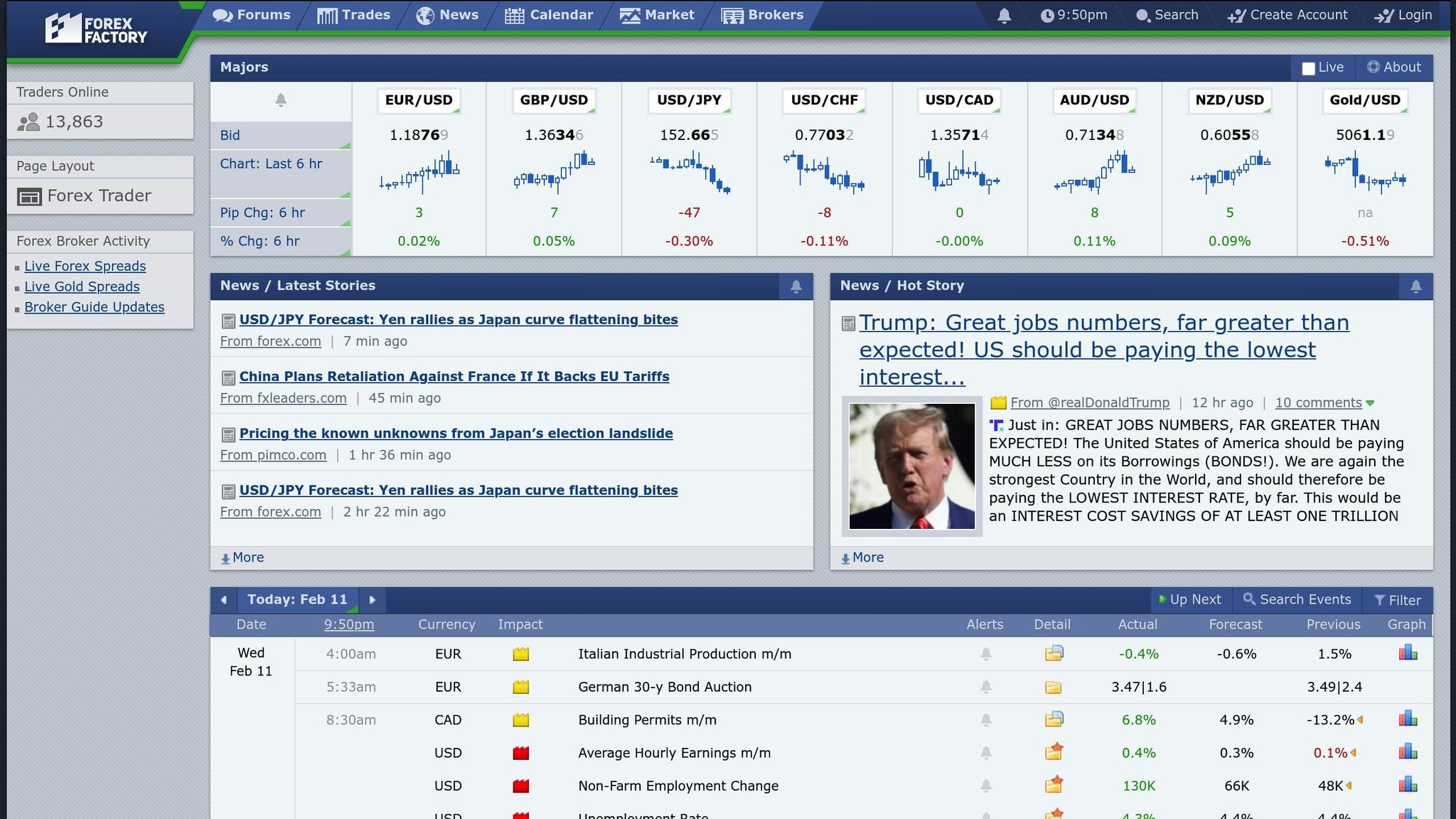
Forex Factory brings together global economic data in real time, offering U.S. traders a way to make quick, informed decisions. Its standout features include fast data updates and a user-friendly color-coded system that highlights the most market-moving events.
Real-Time Updates
Forex Factory’s calendar updates the "Actual" data column immediately when an economic event occurs. For instance, when the Bureau of Labor Statistics releases Nonfarm Payroll numbers at 8:30 AM Eastern Time, traders see the data instantly. Each event displays three key metrics - Previous, Forecast, and Actual - with deviations highlighted in green or red for clarity.
This real-time functionality proved especially useful in September 2022 when the Federal Open Market Committee announced a 0.75% interest rate hike. Traders on Forex Factory saw USD pairs rise immediately. Similarly, during mid-2022, U.S. Consumer Price Index reports often came in higher than expected, triggering notable USD strength and short-term forex market volatility.
Customizability
Forex Factory offers extensive customization options. You can filter events by impact, currency, or type, and sync the calendar to your time zone with precision. The platform even accounts for Daylight Saving Time and lets you choose between 12-hour and 24-hour formats, ensuring it aligns perfectly with Eastern Time.
"Choosing to see the entire week is often the best approach when trading the higher time frames. This allows you to prepare for the next few days rather than just the next 24 hours."
– Justin Bennett, Founder, Daily Price Action
For added convenience, traders can set desktop alerts with sound or browser pop-ups. The mobile-friendly site and app also make it easy to stay informed while on the move.
Market Impact Analysis
Forex Factory’s color-coded impact system helps traders quickly assess the importance of events. Red signals high-impact events like FOMC decisions, Nonfarm Payroll, or GDP releases. Orange indicates medium-impact events such as ISM Manufacturing PMI or PPI, while Yellow and Grey represent low-impact events and non-economic occurrences like bank holidays.
Each event includes a detailed "Usual Effect" summary, such as "Actual > Forecast is good for currency", alongside historical data charts. The platform’s forums add another layer of value, where traders discuss real-time strategies and interpretations. For complex data like ISM Manufacturing PMI, experienced traders recommend analyzing sub-indexes like "Prices Paid" and "New Orders" for deeper insights. Newer traders, on the other hand, are often advised to wait for initial market volatility to settle before taking action.
2. Investing.com
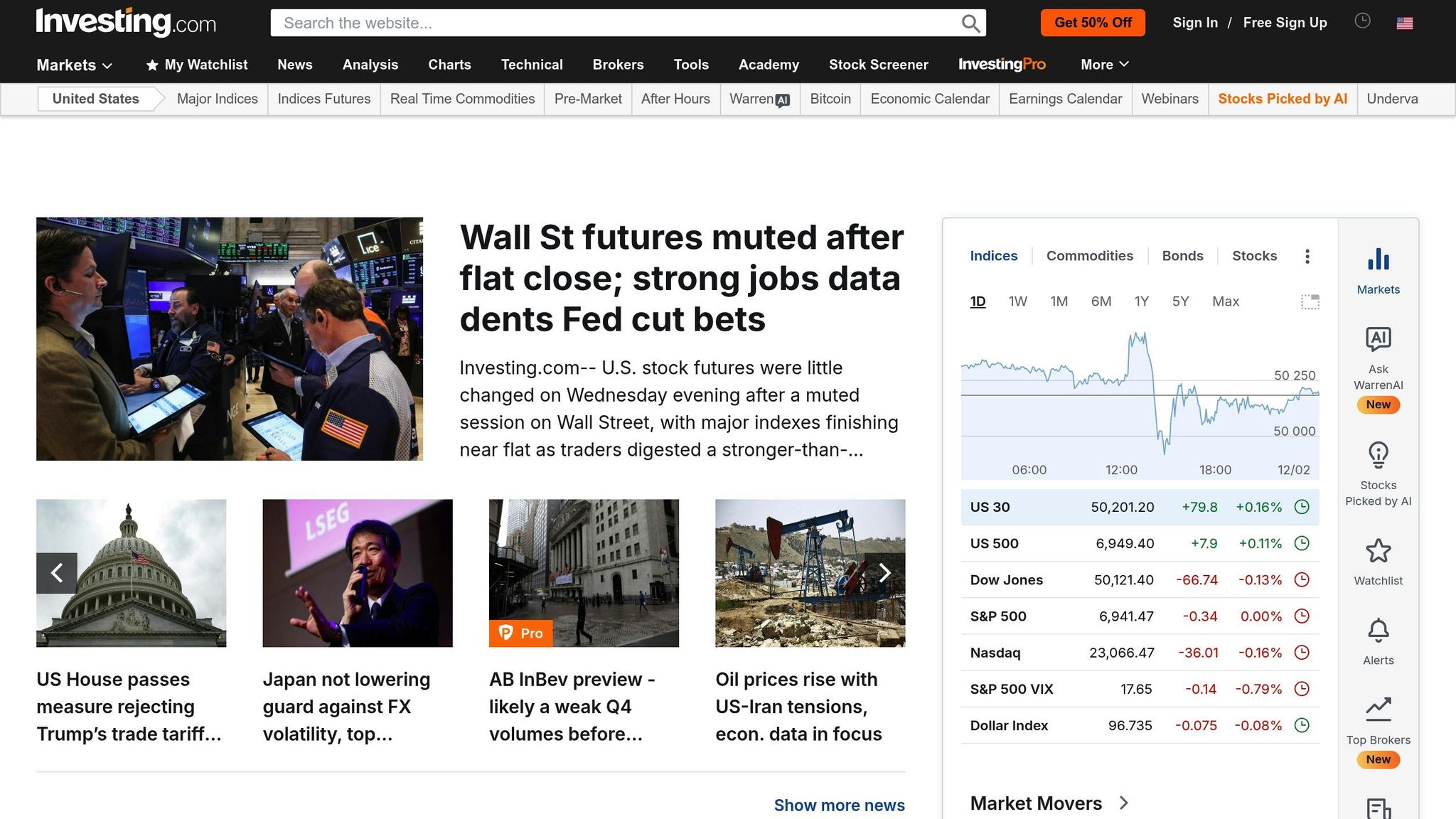
Investing.com offers streaming economic data that updates within one second of release, making it a go-to resource for U.S. traders who need instant market insights. Its simple 3-star volatility scale helps users quickly gauge the impact of events - 1 star for low impact, 2 stars for moderate, and 3 stars for high-impact releases like Federal Reserve announcements or GDP reports. Let’s break down its standout features.
Real-Time Updates
The platform’s Economic Calendar updates automatically as soon as major data is released. According to Investing.com, "The calendar automatically updates within one second of any significant economic event or indicator". For instance, when the Bureau of Economic Analysis releases quarterly GDP figures or the Federal Reserve announces interest rate decisions, traders can immediately view the Actual numbers. These are color-coded - green for results above forecasts and red for those below.
Investing.com also differentiates between Preliminary and Final data releases, which is key for understanding market reactions. Preliminary GDP figures often cause significant initial market movement, while Final updates can lead to further adjustments if they show notable revisions. This rapid update system works seamlessly with the platform’s versatile filtering tools.
Customizability
The platform’s filtering options allow users to tailor the Economic Calendar to their needs. You can zero in on 3-star events to focus solely on high-impact data, cutting out less relevant information. With eight distinct categories - like inflation, central banks, and employment - you can align the calendar with your trading strategy.
Investing.com also offers a robust alert system. You can set notifications for 15, 30, or 60 minutes before an event, and these alerts sync across both the desktop site and mobile app. Push notifications ensure you’re always prepared, even when you’re away from your screen. The interface also provides flexibility, letting you toggle between exact event times and countdown timers to track how long until key updates.
Integration with Trading Platforms
The platform simplifies trade execution by linking directly to brokers like Plus500 and eToro through "Open Account" buttons. This feature minimizes the time between identifying a market-moving event and placing a trade. Plus, the mobile app ensures that your filters, alerts, and watchlists stay active wherever you are.
For those who rely on custom dashboards, Investing.com offers an embeddable Economic Calendar widget. This widget updates in real-time and can be tailored with different color schemes, time zones, and event categories. Additionally, the "Add to calendar" feature lets you sync economic events directly with your personal scheduling tools.
3. Trading Economics
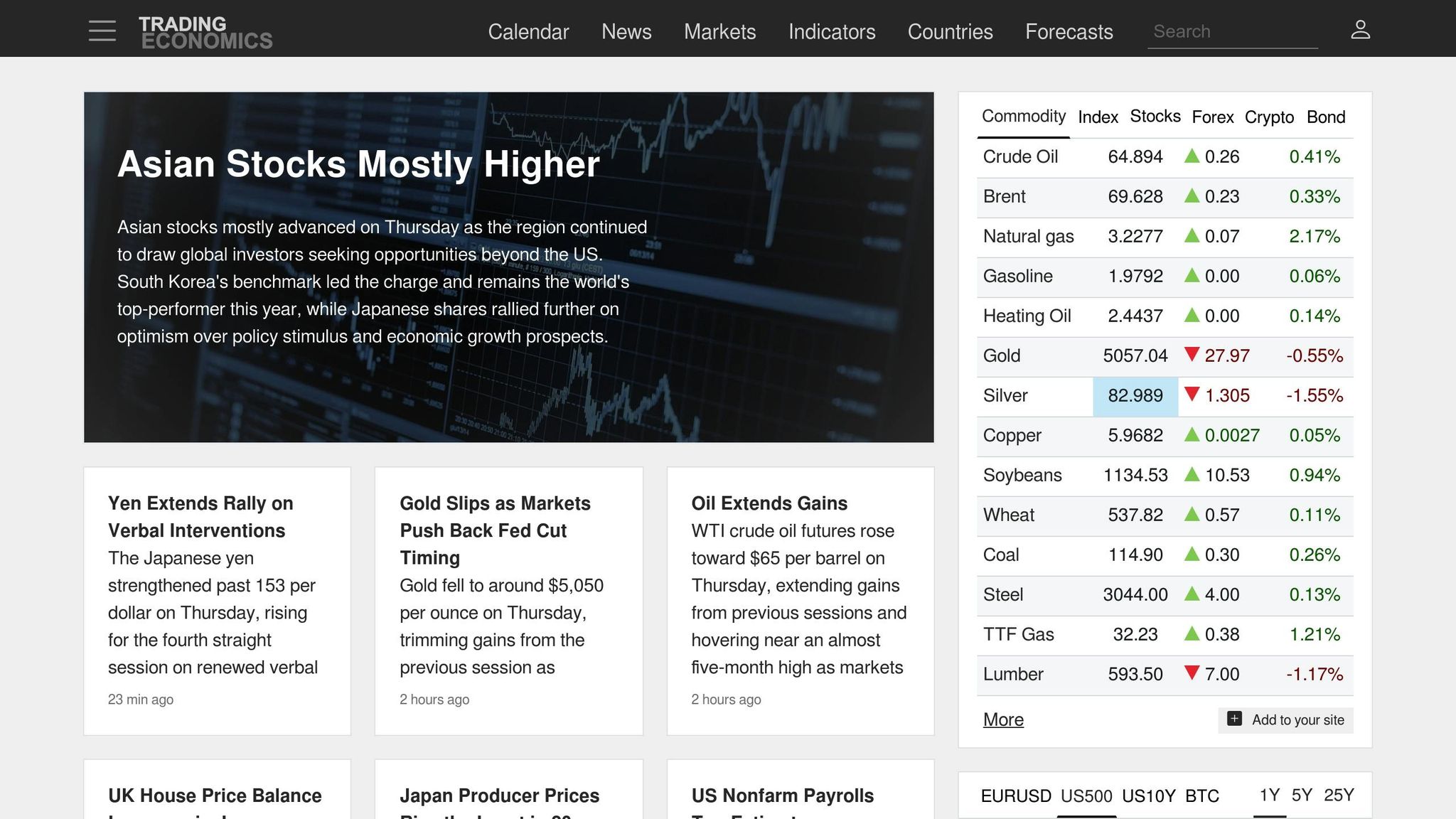
Trading Economics stands out by offering real-time updates and flexible features designed to meet the needs of modern traders. Its data is sourced directly from official government releases, ensuring accuracy and reliability. The platform tracks over 300,000 economic indicators across 190 countries and provides a constantly updated calendar to reflect global events as they unfold, 24/7. To help traders quickly identify impactful information, Trading Economics uses a weight-based system to highlight high-volatility events like Non-Farm Payrolls or GDP releases. With a focus on precision and customization, this tool integrates seamlessly into trading workflows.
Real-Time Updates
Trading Economics ensures you’re always working with the latest data by tracking updates with millisecond precision. If official sources revise previously released figures, the platform flags these as "revised", giving traders clarity on changes and their potential market impact. It also provides two types of forecasts: the "Survey" consensus, which reflects average predictions from economists, and its proprietary TEForecast. Comparing these forecasts with the actual results can help traders anticipate market reactions, especially when the data deviates from expectations.
Customizability
Traders can filter data by 196 countries and set up alerts for specific indicators, price movements, or record-breaking values. These alerts can be delivered via push notifications or email, keeping users informed no matter where they are. The platform’s mobile app, which boasts a 4.8-star rating on Google Play from over 5,500 reviews, has been praised for its reliable alerts and user-friendly customization options, making it a favorite among traders.
Integration with Trading Platforms
Trading Economics further enhances its utility by offering seamless integration with popular trading and analytical tools. It provides add-ins for Microsoft Excel and Google Sheets, enabling users to create live dashboards that combine real-time economic data with portfolio insights. For algorithmic traders, the platform supports Python, R, and Node.js, making it easy to automate workflows and backtest strategies. Its API, which covers over 15,000 data series and tracks around 1,600 economic events monthly across 150+ countries, is another powerful feature. Additionally, advanced users can connect the platform’s data to tools like Tableau, Matlab, or even smart contracts via a Chainlink Oracle External Adapter.
4. Tradays
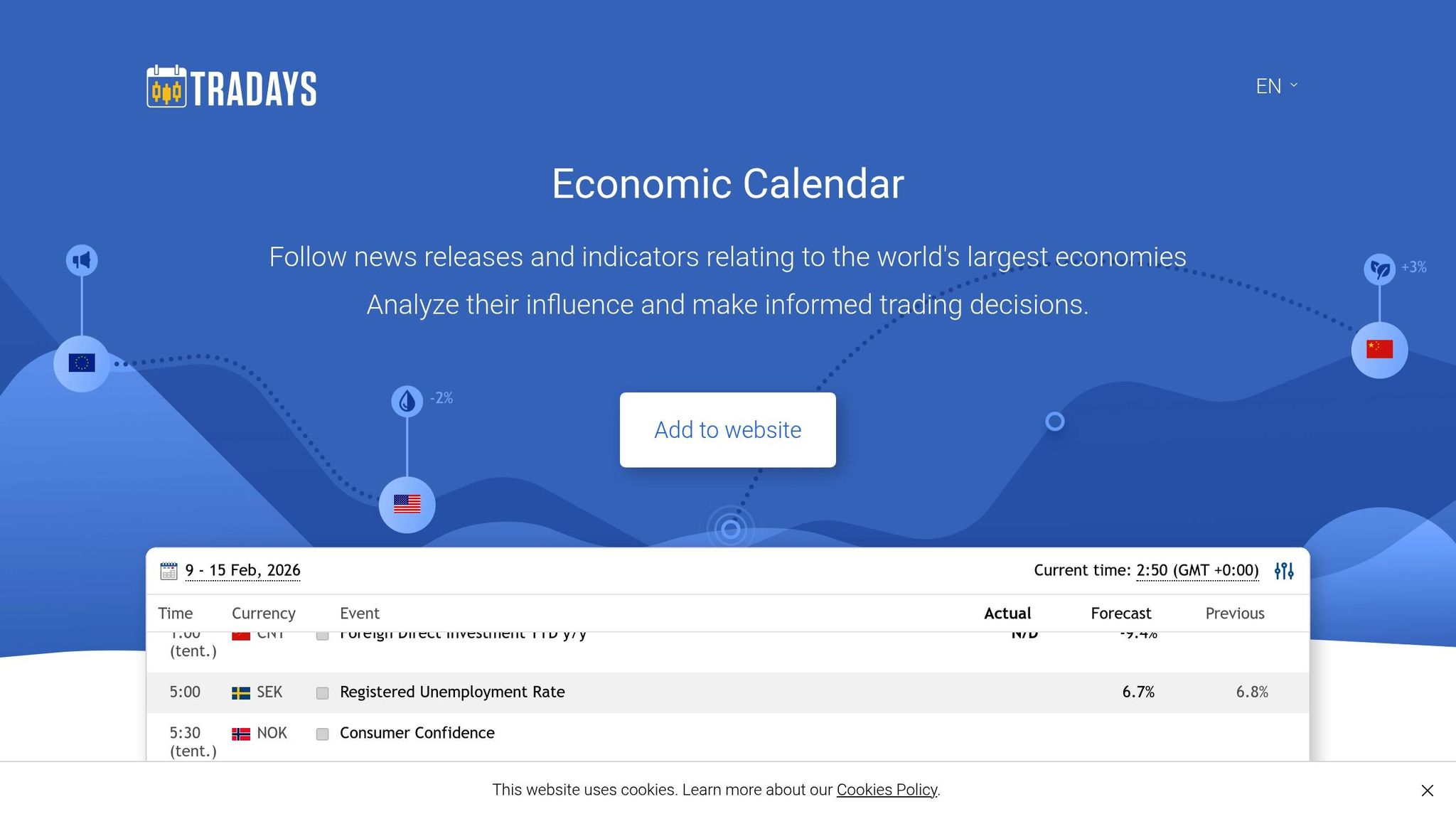
Tradays stands out as a product from MetaQuotes Ltd, the creators of MetaTrader 4 and MetaTrader 5. This platform tracks over 900 macroeconomic indicators sourced from key public resources, covering eight major economies: the U.S., EU, Japan, UK, Canada, Australia, Switzerland, and China. Both its economic calendar and website widget are offered at no cost.
Real-Time Updates
Using its proprietary software, Tradays delivers real-time updates through an "Auto update" feature, ensuring instant refreshes with every new event - no licensing delays here. If figures are revised, dotted underlines highlight the changes, and you can view the original values via tooltips. Each indicator includes historical, current, and forecast values, as well as importance ratings to help you assess potential market impact. This level of immediacy ensures your analysis and alerts stay aligned with current market conditions.
Customizability
Tradays provides flexible options to tailor your experience. You can filter events by their impact level or focus on specific currencies like AUD, CAD, EUR, GBP, USD, and others across 22 countries. It also allows you to set unlimited event alerts and create a personalized event portfolio, making it easier to keep track of the indicators most relevant to your trading strategy. With a 4.4/5 rating from 12,300 Google Play reviews and 404 ratings on the Apple App Store, the mobile app supports between 9 and 21 languages, catering to users worldwide. These features make it a practical tool for strategic planning.
Integration with Trading Platforms
Tradays integrates seamlessly with the MetaTrader ecosystem, providing access to fundamental data and alerts directly within your trading platform, which can be paired with MT5 risk management tools. Additionally, it offers a free, customizable widget for embedding real-time data on external websites. This integration ensures that you can stay informed without disrupting your workflow.
5. FXEmpire
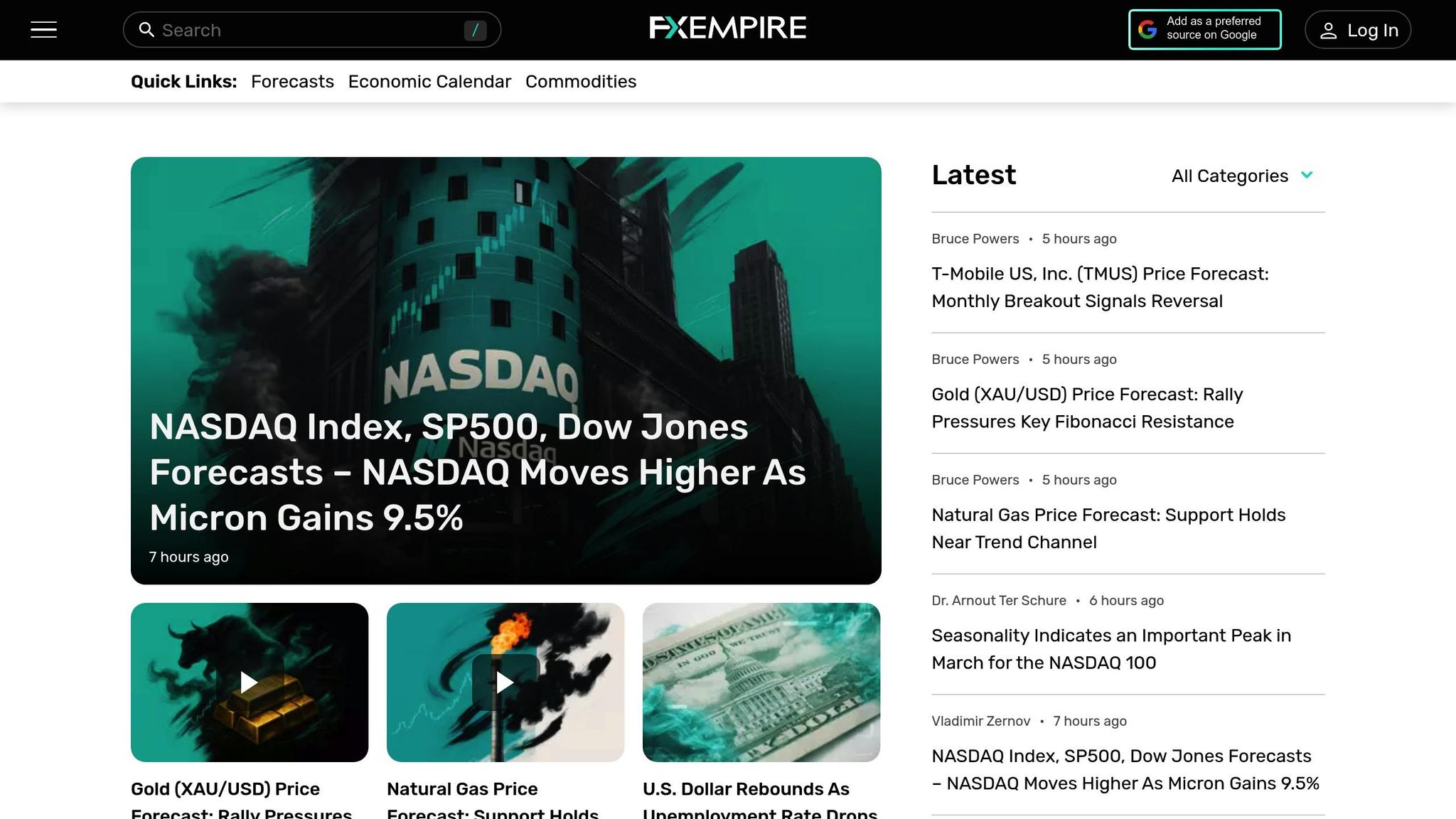
FXEmpire stands out as a platform that keeps users informed with real-time data and tools tailored for market awareness. It offers a live economic calendar that tracks major economies like the U.S., UK, Japan, and Australia, ensuring users stay up-to-date on key financial events as they unfold. The platform also provides real-time pricing data for thousands of financial instruments via its mobile app for iOS and Android. For instance, on February 11, 2026, the calendar highlighted U.S. Non-Farm Payrolls at 130K (surpassing the 70K forecast) and the Unemployment Rate at 4.3% (slightly better than the expected 4.4%), both flagged as high-impact events.
Real-Time Updates
FXEmpire's calendar delivers a comprehensive view by combining Actual, Forecast, and Previous values, alongside any historical revisions (e.g., "Revised from 50K"). However, given the wide range of data sources, FXEmpire advises users to independently verify the information for accuracy.
Customizability
The platform goes beyond basic updates by offering specialized tools, such as Earnings, Dividends, and Market Holiday calendars. Users can filter events by time, currency (like USD, JPY, GBP, and AUD), and impact level (Low, Medium, or High), tailoring the calendar to their specific trading strategies. With support for over 100 timezone settings, from GMT -12:00 to GMT +14:00, the calendar ensures compatibility with local trading hours. Additionally, the mobile app includes a Personal Watchlist feature, allowing users to track key instruments and events effortlessly.
Market Impact Analysis
FXEmpire helps traders prioritize with its event labeling system, categorizing updates as High, Medium, or Low impact. Critical releases, such as Non-Farm Payrolls and central bank speeches, receive prominent attention, while medium-impact events include updates like EIA Crude Oil Stocks and Federal Reserve speeches. The side-by-side comparison of actual versus forecast figures allows traders to quickly assess whether results met, exceeded, or fell short of expectations - essential for navigating market volatility. By combining real-time updates with detailed impact analysis, FXEmpire ensures traders have the tools they need for timely and accurate market insights.
Advantages and Disadvantages
After exploring each platform in detail, here's a concise look at their strengths and limitations to help you make an informed choice.
Each news calendar has its own set of benefits and drawbacks. Balancing these trade-offs is key to picking a tool that aligns with your trading approach.
Forex Factory stands out with its simple, user-friendly layout and clear market impact ratings (Low, Medium, High). This straightforward design is perfect for beginners. However, its limited features may leave more advanced traders wanting options for deeper customization.
Investing.com offers extensive market coverage, spanning forex, stocks, and commodities. It also includes specialized sub-calendars for Earnings, Dividends, Splits, IPOs, and Expirations. While this breadth is impressive, the sheer volume of data can become overwhelming, especially during volatile market periods.
Trading Economics focuses on delivering comprehensive macroeconomic insights and a wealth of historical data. This makes it a go-to choice for swing traders and long-term investors looking to analyze broader economic trends.
Tradays integrates seamlessly with MetaTrader platforms (MT4/MT5), providing real-time updates and a smooth workflow. This integration supports efficient execution of trading strategies.
FXEmpire offers real-time updates and customization options. However, its update speed lags behind some of the more professional-grade tools.
Key Comparisons
- Interface simplicity: Forex Factory is ideal for beginners, while Trading Economics caters to those needing advanced analysis.
- Data volume: Investing.com shines with its extensive coverage, whereas Forex Factory keeps things more focused.
- Update speed: Tradays and Trading Economics perform well in this area, while FXEmpire is slightly slower.
- Platform integration: Tradays connects directly with MetaTrader, while others are primarily web-based.
- Customization: Investing.com and Trading Economics offer robust filtering options, while Forex Factory provides only basic customization.
For traders in the U.S., tools that sync accurately with Eastern Time and provide reliable alerts for critical events like FOMC meetings and NFP reports are essential. Consider factors like interface simplicity, data volume, and update speed to find the best fit for your needs.
This breakdown aims to help you evaluate and choose the most suitable news calendar for your trading style.
Conclusion
Pick a news calendar that aligns with your trading approach, level of experience, and the assets you focus on. For short-term traders like day traders and scalpers, tools that emphasize high-impact events with clear visual cues are key. Forex Factory is a solid choice, offering an intuitive interface and impact ratings to help you zero in on volatility-driving events like FOMC meetings or Nonfarm Payrolls.
If you're a long-term or swing trader, you’ll benefit more from tools that provide detailed macroeconomic insights and historical data to spot broader trends rather than reacting to short-term price movements. Trading Economics stands out here, offering in-depth analysis perfect for strategic planning. As Justin Bennett puts it:
Choosing to see the entire week is often the best approach when trading the higher time frames. This allows you to prepare for the next few days rather than just the next 24 hours.
For traders juggling multiple asset classes, comprehensive coverage is a must. Investing.com delivers with specialized sub-calendars for earnings, dividends, IPOs, and more, covering forex, stocks, and commodities.
To make the most of your calendar, synchronize it to Eastern Time, filter events by impact level to cut through the noise, and avoid trading within 24 hours of high-impact events - unless your strategy is built around news-driven volatility. As Bennett wisely notes:
Your number one job as a trader is capital preservation! Making money always comes second.
FAQs
How do I set my news calendar to Eastern Time?
To align your news calendar with Eastern Time, you'll need to tweak the time zone settings in your platform. For instance, on Forex Factory, locate the time zone link - usually found in the header (e.g., "8:13am"). Click it to open the settings page. From there, choose "Eastern Time" or "New York" as your preferred time zone. This adjustment ensures all scheduled events are displayed in Eastern Time, making it easier to plan accurately.
Which events should I always watch as a U.S. trader?
As a U.S. trader, keeping an eye on major events like employment reports (such as Non-Farm Payrolls), inflation data, retail sales, and interest rate decisions is crucial. These factors can heavily influence market movements. Announcements from the Federal Reserve and GDP reports are equally important for understanding economic trends. Leveraging an economic calendar can help you stay organized, anticipate market volatility, and make smarter decisions aligned with current market conditions.
How can I avoid getting whipsawed during high-impact releases?
To steer clear of being caught off guard during high-impact market events, keep an eye on economic calendars. These calendars highlight key events that could shake up the markets. By identifying these moments in advance, you can plan your trades more effectively and align them with your overall strategy.
On top of that, risk management is crucial. Tools like stop-loss orders can be your safety net, helping to limit potential losses during sudden spikes in market volatility. They act as a protective barrier, ensuring your positions are better shielded when the market takes unexpected turns.
Related Blog Posts
Start Trading with For Traders
Join our platform to test your trading skills, trade virtual capital, and earn real profits. Access educational resources, advanced tools, and a supportive community to enhance your trading journey.
Start your Trading Challenge